
Garage library
Add Engine Sim to Your Home Screen for One-Tap Revving
Put the app one tap away: home screen shortcut, folder tricks, and a rev-ready setup for maximum throttle.
On this page
The one-tap setup
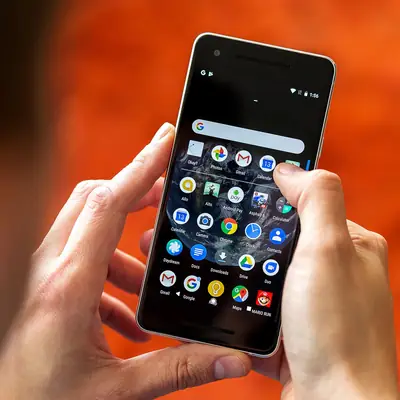
In short, engine sim apk is a fidget toy for car people, and fidget toys live or die by friction. Long-press the app icon in your drawer, drag it to your home screen, and park it somewhere thumb-reachable. Bored moment, one tap, V8.
Folder and gesture tricks
Group it with your other car apps in a "Garage" folder so the habit forms. On launchers that support it, set a swipe-up gesture on the icon to jump straight in. Some launchers let you pin the shortcut to the lock screen; check yours.
Rev-ready settings
Leave your favorite engine selected and the gearbox in your preferred mode before closing the app; the app reopens where you left it. Pair that with the Bluetooth speaker setup and your living room becomes a dyno cell on demand.
Get the app first
Need the file? The scanned XAPK is on the Engine Sim download page, and the install guide gets it onto your phone in five minutes.